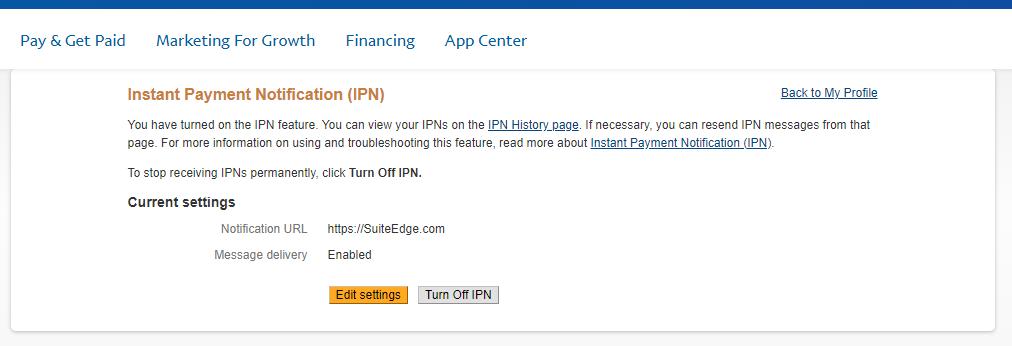

You will need to have a Business Pay Pal Account to accept payments or donations on your website
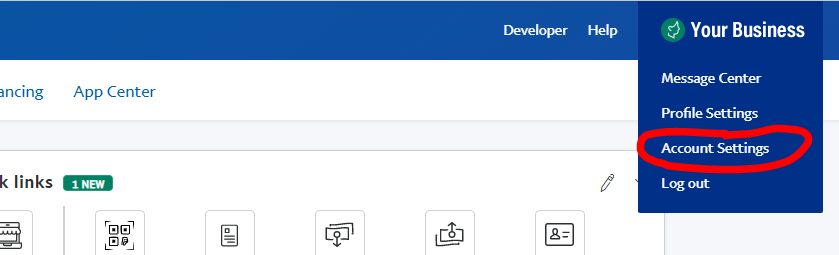
Step 1: Log into your PayPal account.
This should take you to an area where you can add the customer’s information.
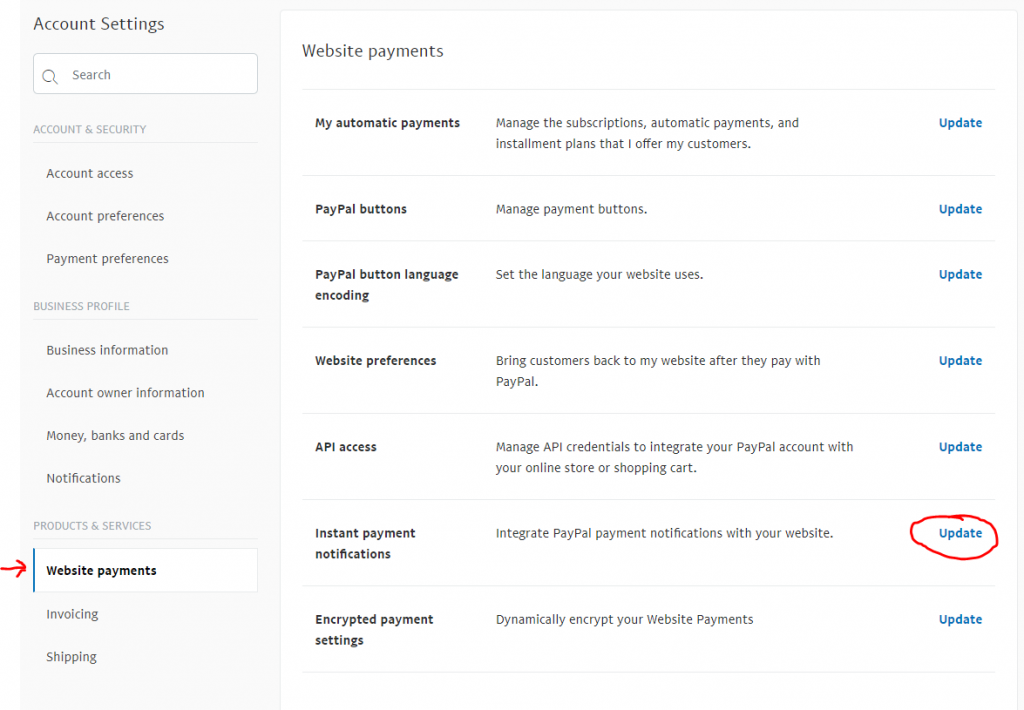
Step 2: Go to Website Payments + Instant Payment Notifications, Click the Update Button
Fill out all the relevant info for the customer.
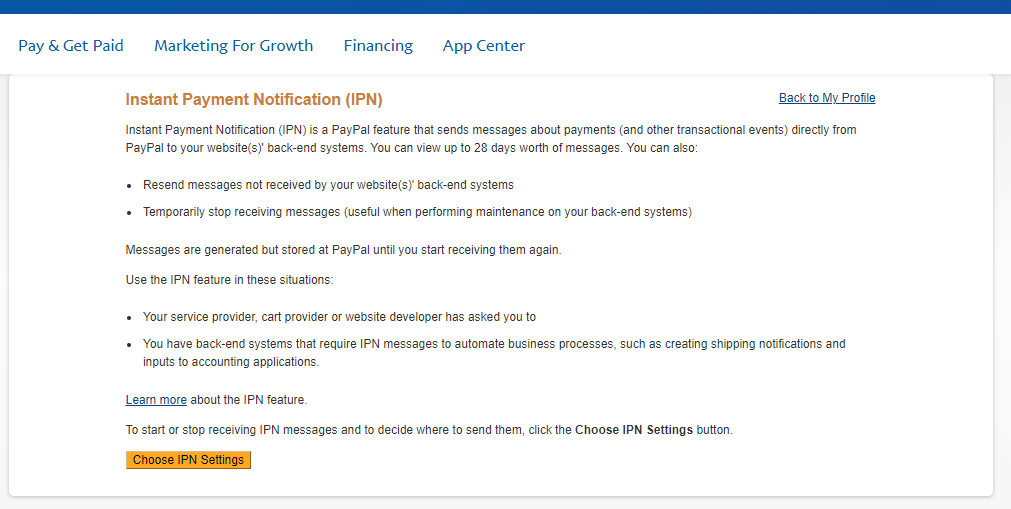
Step 3: Click the Choose IPN Settings button
Step 4: Enter your website URL, select Receive IPN messages (Enabled) and hit Save.
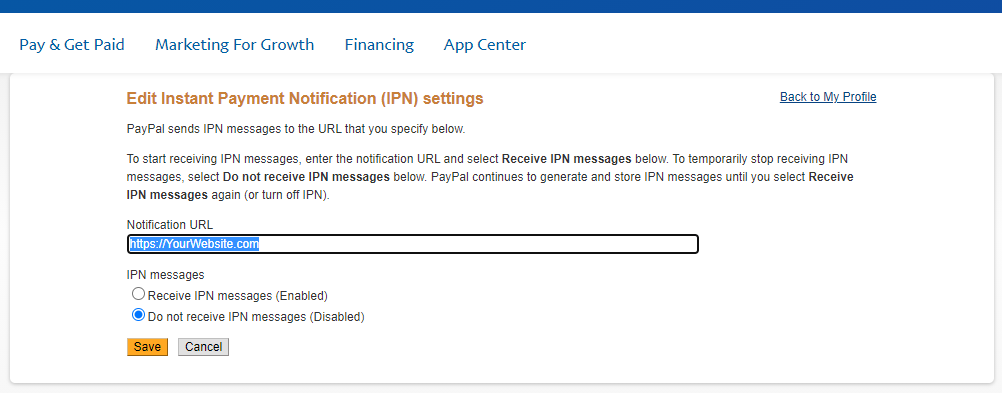
Your PayPal Instant Payment Notifications are now configured properly