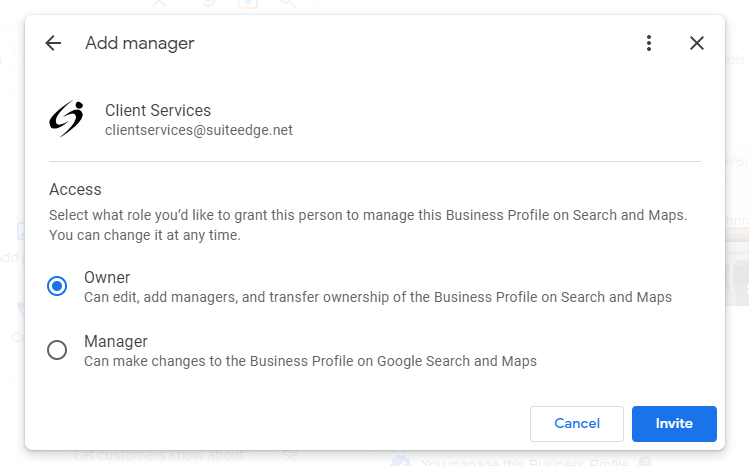

This article will guide you through the steps of adding a user as an additional "Owner" on the Google My Business platform.
Step 1: Login to your Google My Business dashboard
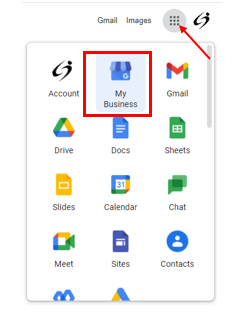
Access the icon with dots at the top right corner of the page and select the icon named "My Business"
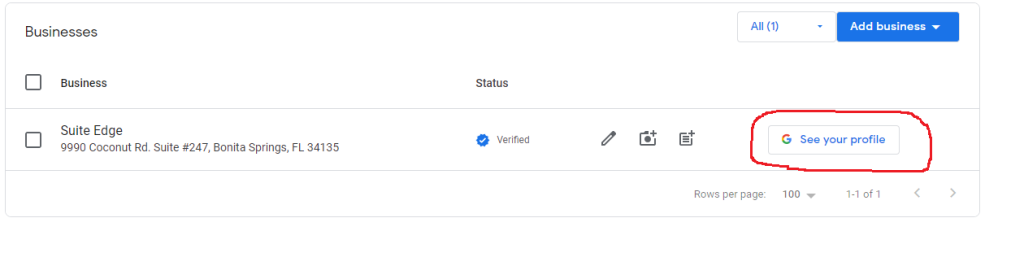
Step 2: Once on the dashboard, find your business, and click "See your profile"
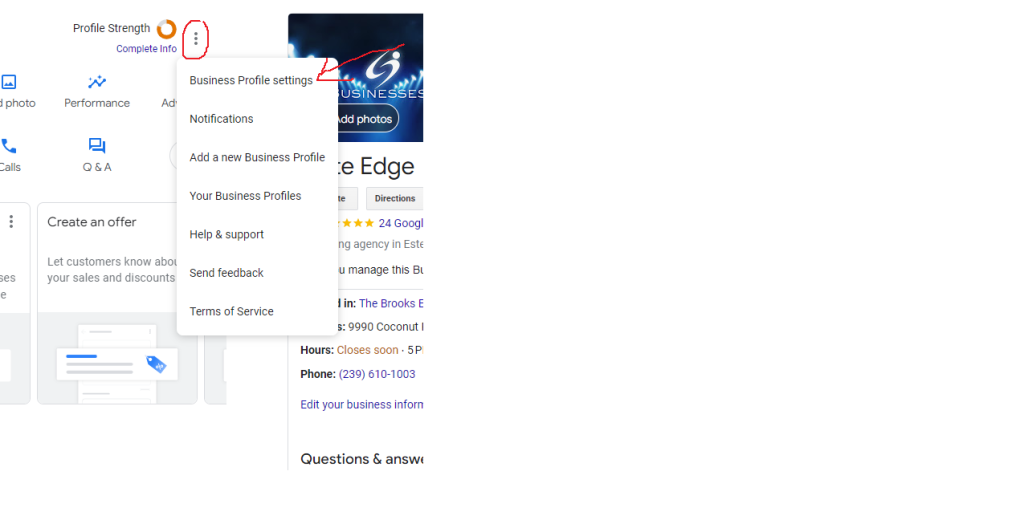
Step 3: Click on the 3 dots & Select "Business Profile Settings"
Step 4: Click on "Managers" then "Add" Type in the Email "ClientServices@SuiteEdge.net" and select "Owner"