
Adding Google mail to your iPhone is a simple process. Apple has included a streamlined method for doing such. So, follow along with the steps below, and you'll be up and running in no time!
Step 1:
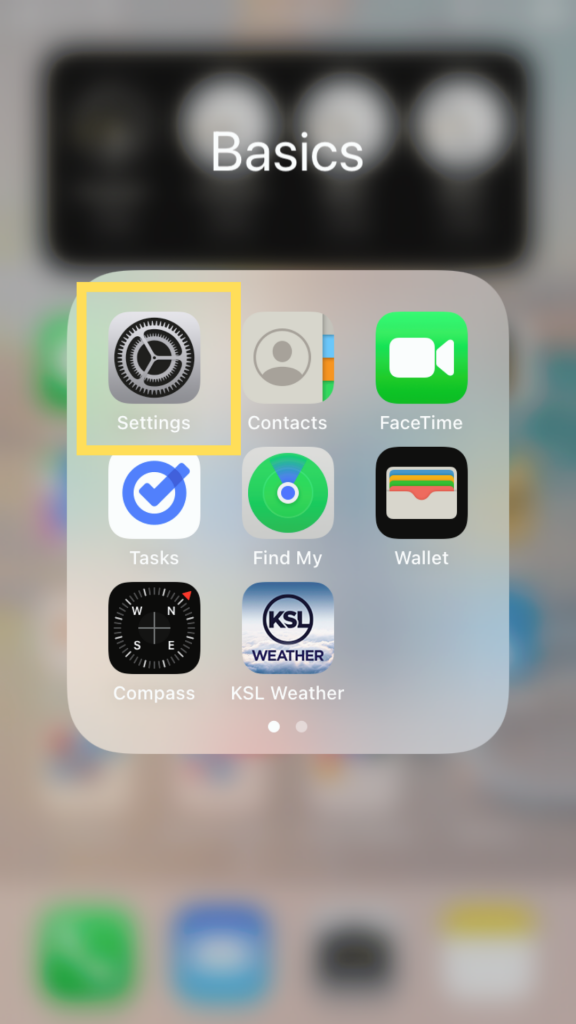
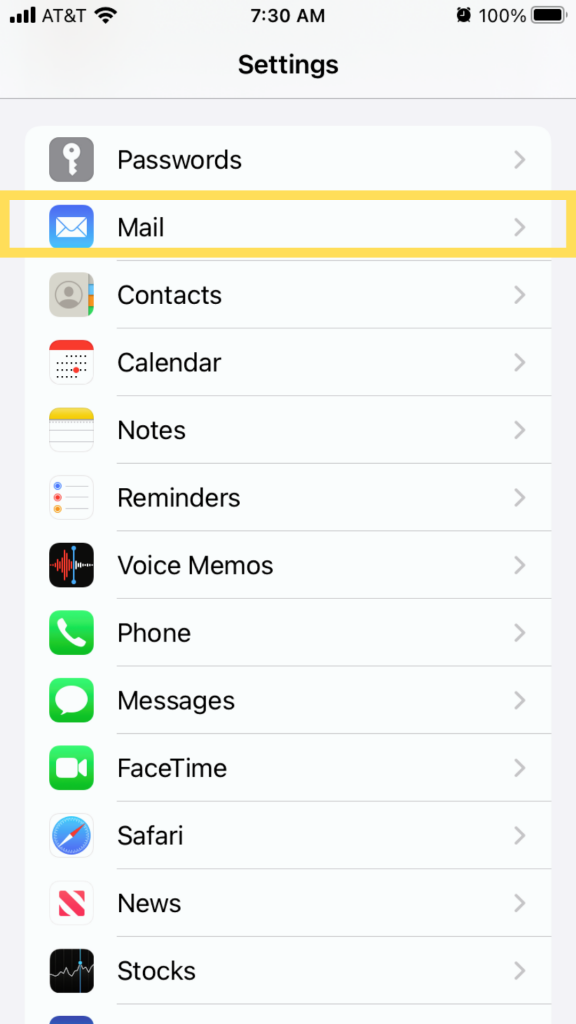
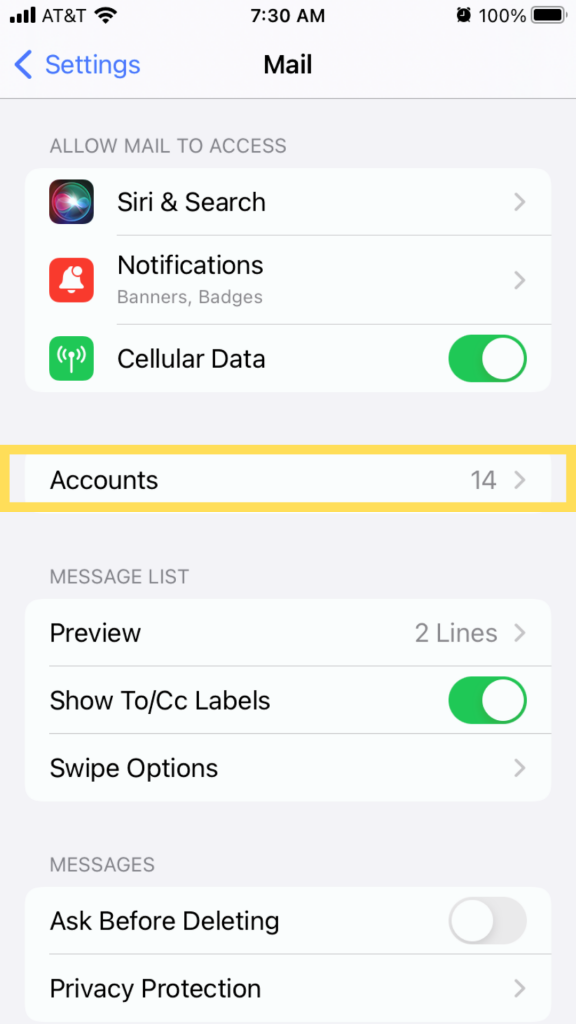
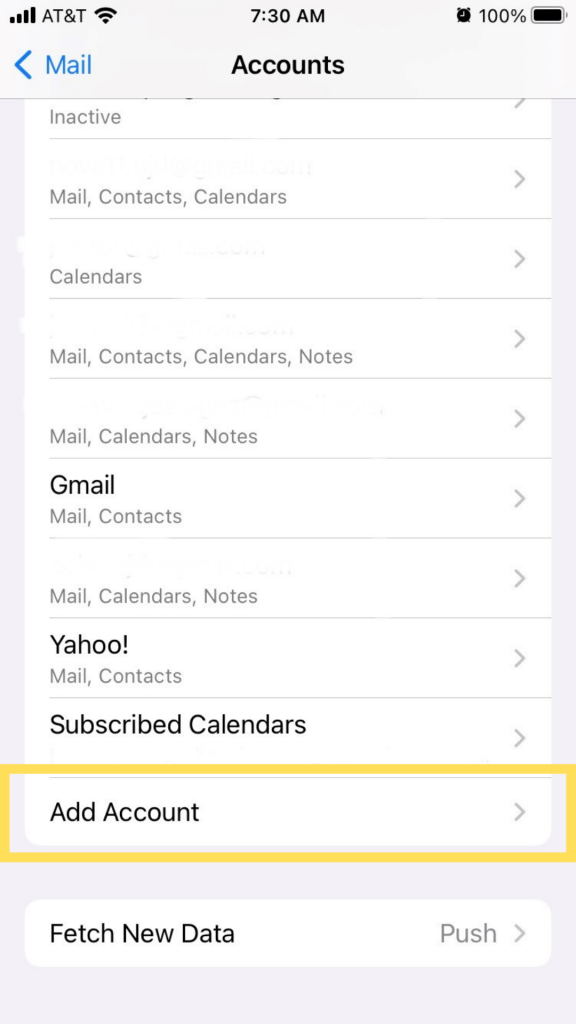
On your iPhone, go to Settings. Select Mail, then tap Accounts.
Step 2:
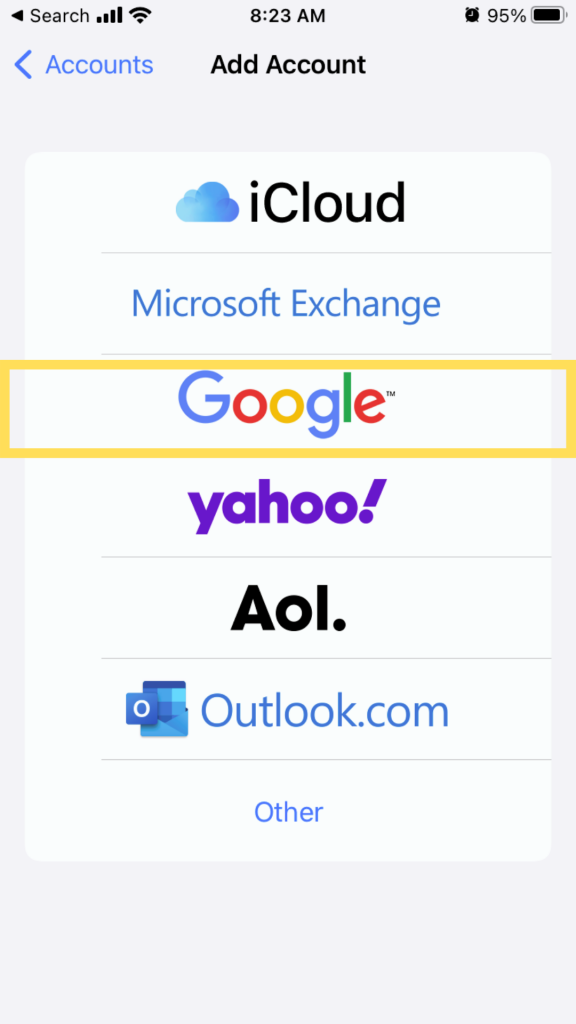
Tap the Add Account button and then select Google as your email provider.
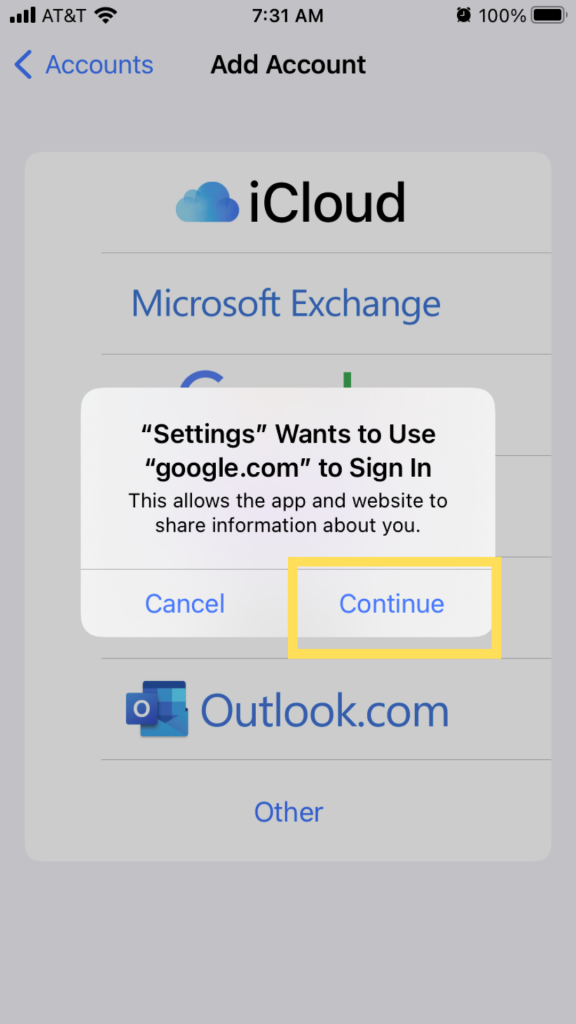
Step 3:
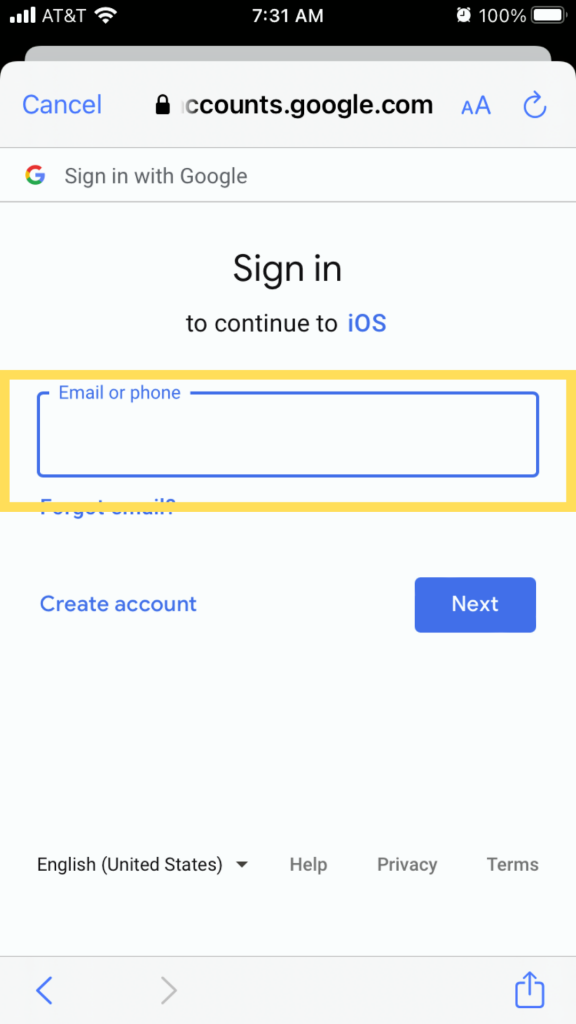
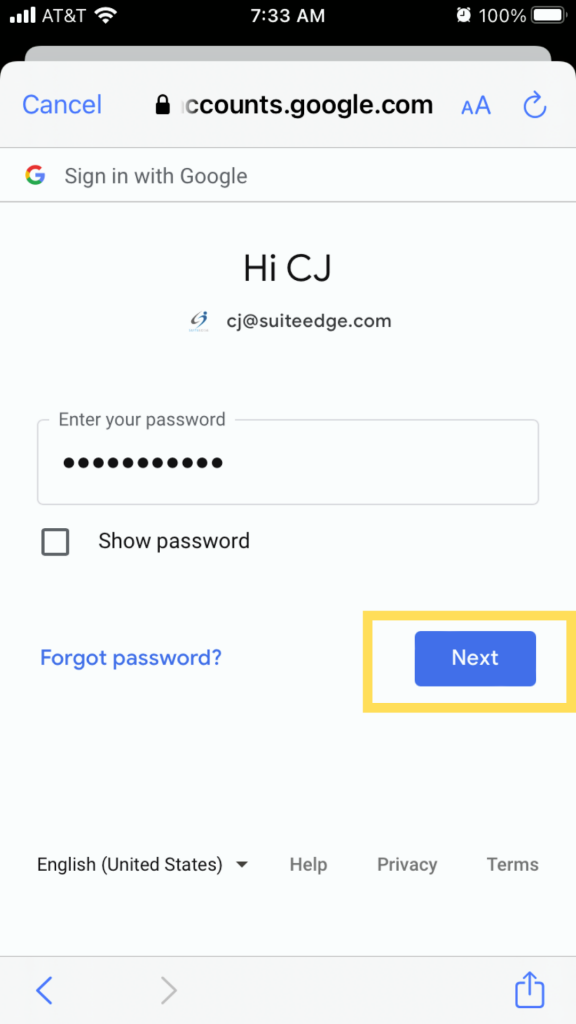
Type in your email address and password as prompted.
Step 4:
Tap Next. Wait a moment as Mail verifies your account.
Step 5:
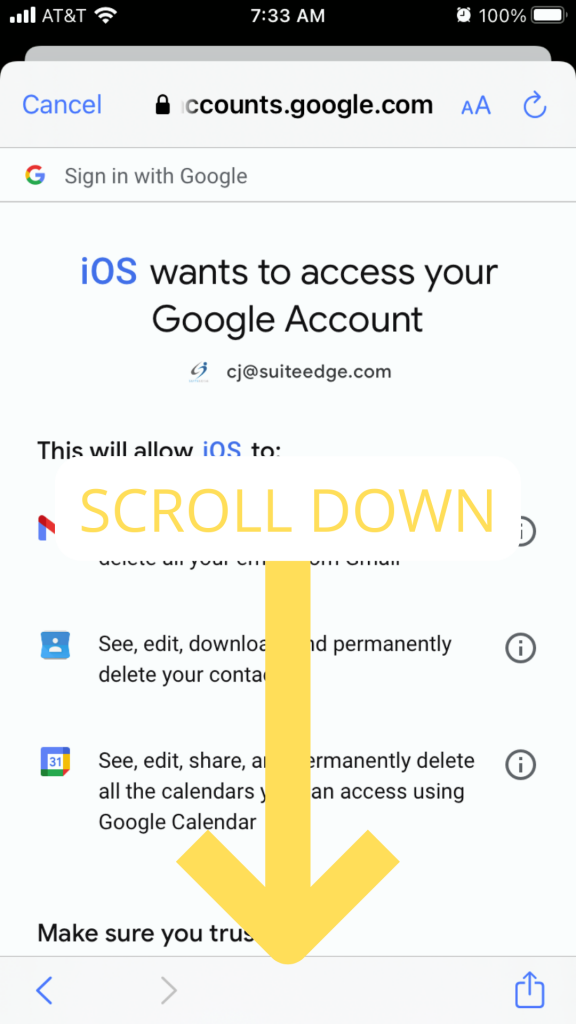
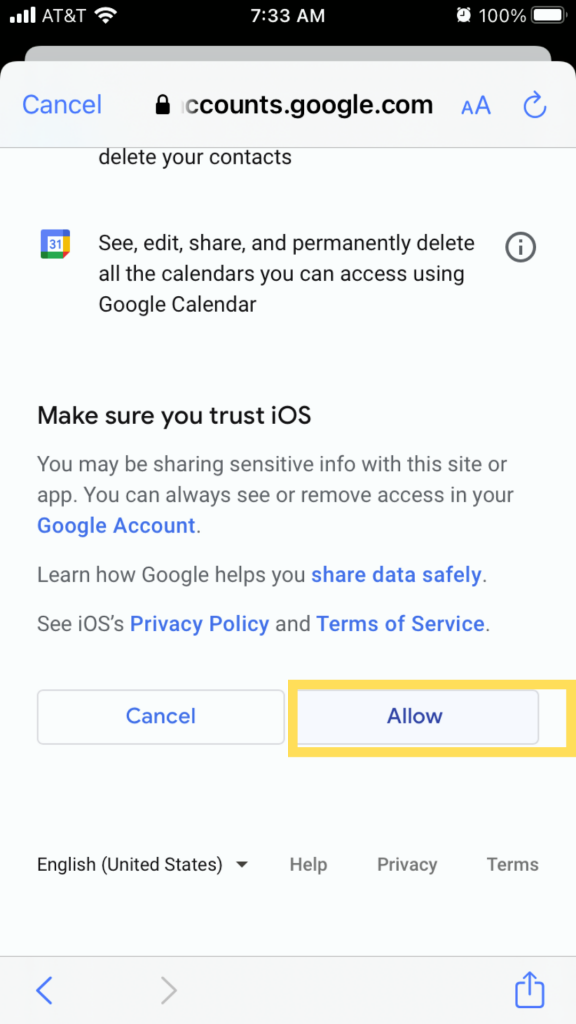
Scroll down and tap Allow.
Step 6:
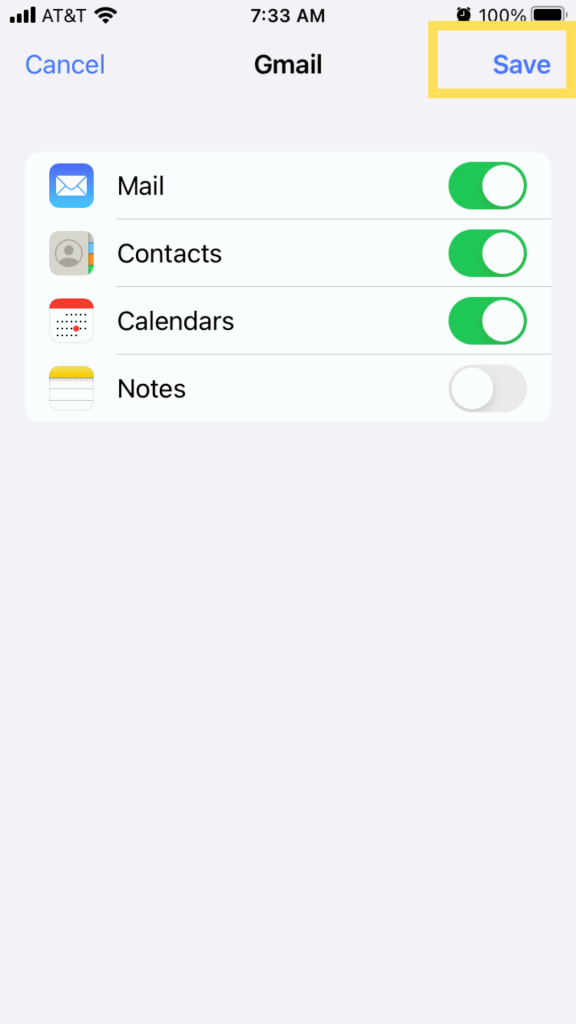
Choose the features you would like to sync to your phone. Tap Save.
That's it...!
Now, anytime you launch the Mail app, your email will be there, and you are connected whenever and wherever.